Skip to content

Scenarios

The workflow problems we build against

Anonymized examples of the problems we design automations for, drawn from the same patterns teams automate with tools like n8n and Make, plus how we approach solving them. Every engagement starts with a workflow audit of your specific processes.

28 scenarios · 6 categories

Sales & CRM

05 scenarios in this lane

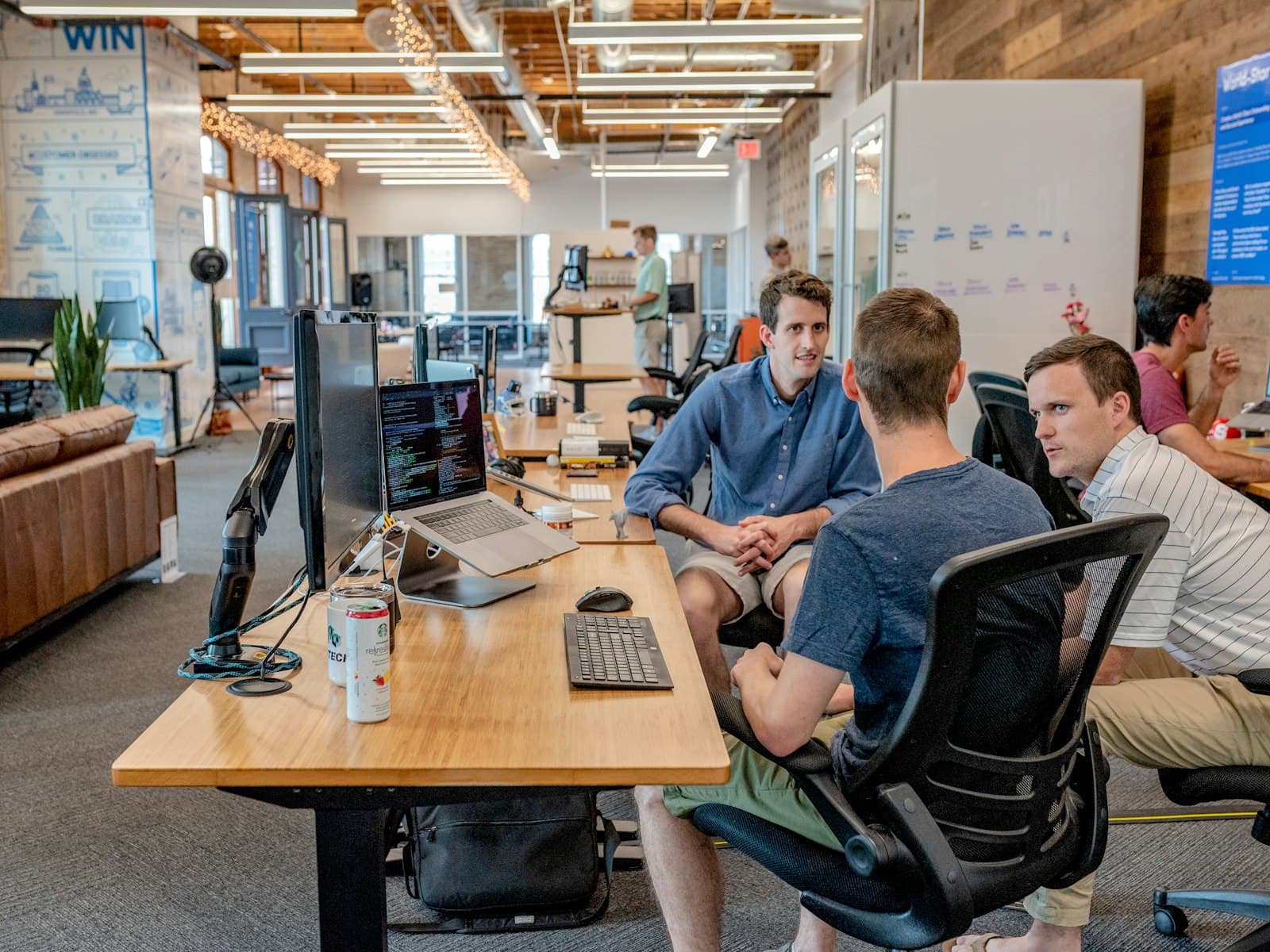
Two people working through a pipeline diagram on paper between their laptops
Walking a sales team through the qualification flowfig. 05

Scenario 01 · Financial services

AI-powered lead qualification

The problem

Sales teams losing most of their time to unqualified leads while high-value opportunities go cold.

Our approach

Conversational AI that pre-qualifies inbound leads, schedules meetings, and enriches CRM records before a human ever picks up the conversation.

What gets automated

  • Lead scoring and enrichment
  • Meeting scheduling
  • CRM data hygiene

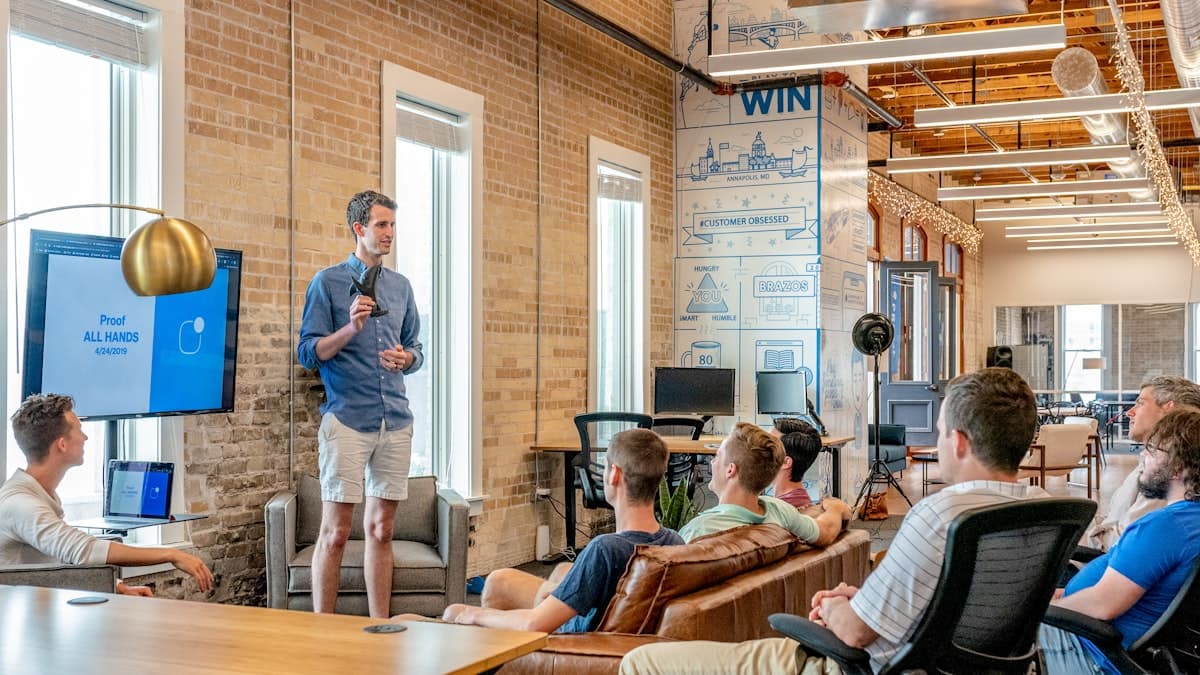
A team collaborating in a modern office
Mapping territory rules before the router goes livefig. 06

Scenario 02 · B2B SaaS & agencies

Lead enrichment and territory routing

The problem

Inbound form and LinkedIn leads land in a spreadsheet or shared inbox, then get re-typed into the CRM by whoever notices first.

Our approach

Webhook capture into enrichment (firmographics, role, company size), AI scoring against your ICP, then router logic that assigns the right rep and notifies Slack.

What gets automated

  • Duplicate detection and CRM upsert
  • ICP scoring and territory assignment
  • Rep alerts with context, not just a name
Colleagues collaborating around a table in a meeting
Proposal templates reviewed before the first auto-sendfig. 07

Scenario 03 · Professional services

Quote request to branded proposal

The problem

Every discovery form means manually copying scope into a doc template, fixing placeholders, and chasing the PDF out by email.

Our approach

Form submission populates a proposal template, shares the doc, logs the link on the deal, and sends the prospect a consistent package in seconds.

What gets automated

  • Template fill from form or CRM fields
  • Proposal filing and deal linkage
  • Outbound email with tracked attachment or link
A team working together at a shared table
Making sure stage changes reach the whole delivery chainfig. 08

Scenario 04 · Mid-market sales teams

Deal stage change to team follow-through

The problem

Pipeline moves happen in the CRM, but ops, CS, and delivery only hear about them in standup, if anyone remembers to say anything.

Our approach

Watch deal stage changes, post a structured Slack update, and create the next Asana/Jira/ClickUp task for the owner with a deep link back to the record.

What gets automated

  • Stage-based Slack / Teams notifications
  • Follow-up task creation for owners
  • Handoff alerts when deals hit onboarding
Two people working side by side on a laptop
Turning call notes into fields the next rep can trustfig. 09

Scenario 05 · Revenue teams

Meeting notes into the CRM

The problem

Call recordings and Zoom notes sit in personal folders while CRM fields stay empty, so the next rep starts from scratch.

Our approach

Pull transcripts, summarise with AI against a fixed schema (next steps, objections, budget signals), and write structured fields plus a note onto the deal.

What gets automated

  • Transcript retrieval and summarisation
  • Structured field updates on the deal/contact
  • Action items pushed to the owner’s task list

Marketing & Content

05 scenarios in this lane

A whiteboard session mapping a workflow
One publish event, many channel formatsfig. 10

Scenario 06 · Content & brand teams

Publish once, syndicate everywhere

The problem

A blog post goes live, then someone spends an hour rewriting captions for LinkedIn, X, and a Buffer queue, or it never gets posted at all.

Our approach

RSS or CMS webhook triggers platform-specific copy generation, character checks, and scheduled posts across connected channels.

What gets automated

  • Platform-specific caption formatting
  • Multi-channel scheduling and publish
  • Optional Open Graph image attach
A conference audience watching a presentation
Registration should not be a dead endfig. 11

Scenario 07 · Demand generation

Webinar registration nurture

The problem

Registrants get a calendar invite and then silence: no reminders, no no-show recovery, no replay sequence unless someone builds it by hand each time.

Our approach

Registration webhook creates/updates the contact, enrols them in a confirmation → reminder → replay path, and branches cancellers onto a lighter sequence.

What gets automated

  • CRM / ESP enrolment on registration
  • Reminder and replay drip sequences
  • Attendee vs no-show branching
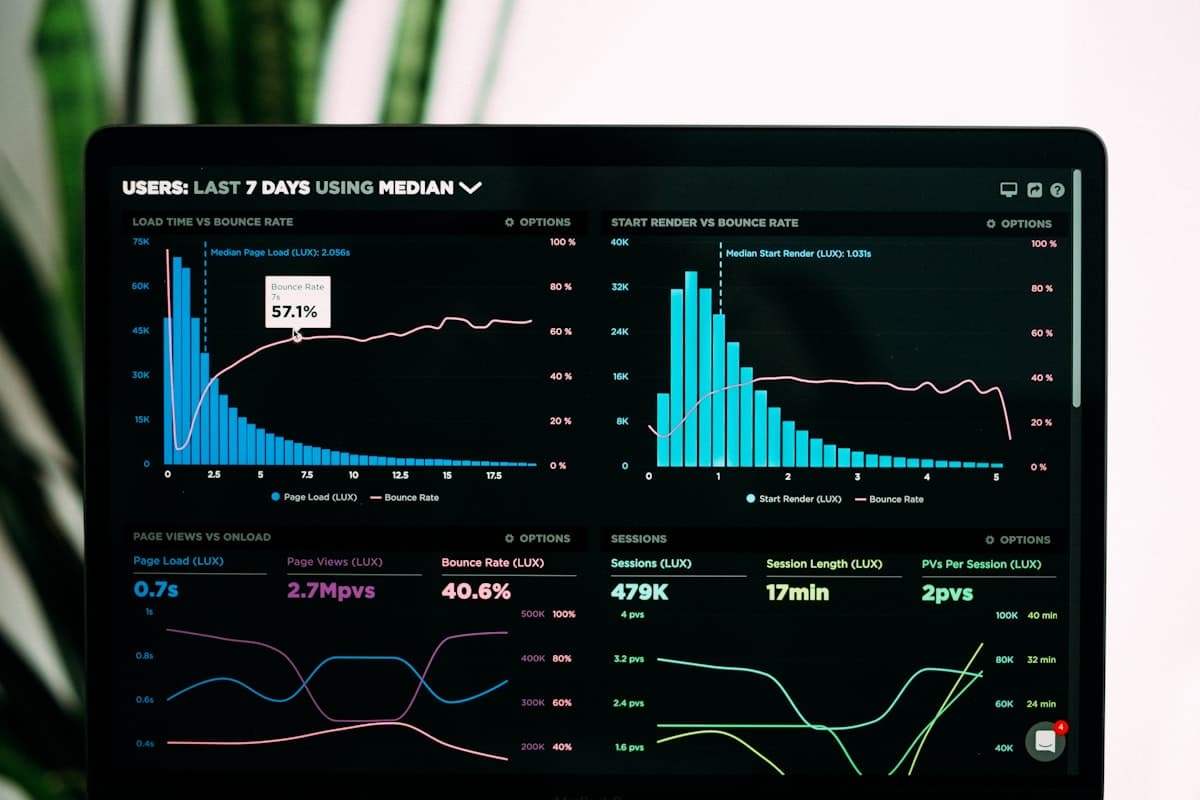
Analytics charts on a laptop screen
Signal, not noise: only material competitor movesfig. 12

Scenario 08 · Strategy & marketing ops

Competitive intelligence monitor

The problem

Competitor pricing, launch posts, and changelog noise live across tabs and newsletters. By the time someone forwards a link, the window has closed.

Our approach

Scheduled scrapes and RSS watches feed an AI summariser that writes structured changes to a sheet and pings Slack only when something material moves.

What gets automated

  • Price and page-change detection
  • AI digest of what actually changed
  • Threshold alerts to the right channel
Someone holding a phone in a bright workspace
UGC with an approval trail, not a DM pilefig. 13

Scenario 09 · Social & community

Brand mention and UGC intake

The problem

Tagged posts and mentions pile up in DMs and native inboxes with no approval trail, so reposting becomes guesswork.

Our approach

Watch tagged posts and mentions, archive caption/media/engagement into Airtable or Sheets, and Slack the content team for approve-before-repost.

What gets automated

  • Mention and hashtag capture
  • Structured UGC library with metadata
  • Approval alerts before redistribution
Dashboard metrics on a laptop
Monday metrics without the CSV export ritualfig. 14

Scenario 10 · Email marketing

Campaign metrics without the login chase

The problem

Stakeholders ask for open/click/revenue numbers every Monday, and someone exports CSVs from the ESP into a shared sheet by hand.

Our approach

A scheduled pull from Mailchimp/Klaviyo/etc. appends weekly rows to a dashboard sheet and sends a short Slack summary.

What gets automated

  • Scheduled ESP metrics pull
  • Sheet append for trend history
  • Team digest of what moved week-on-week

Operations & Finance

06 scenarios in this lane

Container ships being loaded by cranes at a shipping terminal
Freight terminal: where the invoice volume startsfig. 15

Scenario 11 · Supply chain & logistics

Invoice processing at scale

The problem

High-volume invoice operations where manual data entry causes delays, errors, and duplicate payments.

Our approach

Intelligent document processing with OCR, NLP validation, and direct ERP integration. Exceptions surface to approvers; everything else flows straight through.

What gets automated

  • Data extraction from any invoice format
  • Validation against purchase orders
  • Approval routing and ledger posting
An open office with natural light and desks
Inbox noise sorted into the right queuesfig. 16

Scenario 12 · Founder & ops inboxes

Email triage that routes work

The problem

Urgent vendor mail, meeting requests, invoices, and newsletters share one inbox, so everything waits on the same human skim.

Our approach

Classify inbound mail with AI, extract action items, draft replies where safe, and route invoices, meetings, and urgents into the right tools.

What gets automated

  • Category and urgency classification
  • Task extraction into the project tool
  • Invoice and meeting handoffs
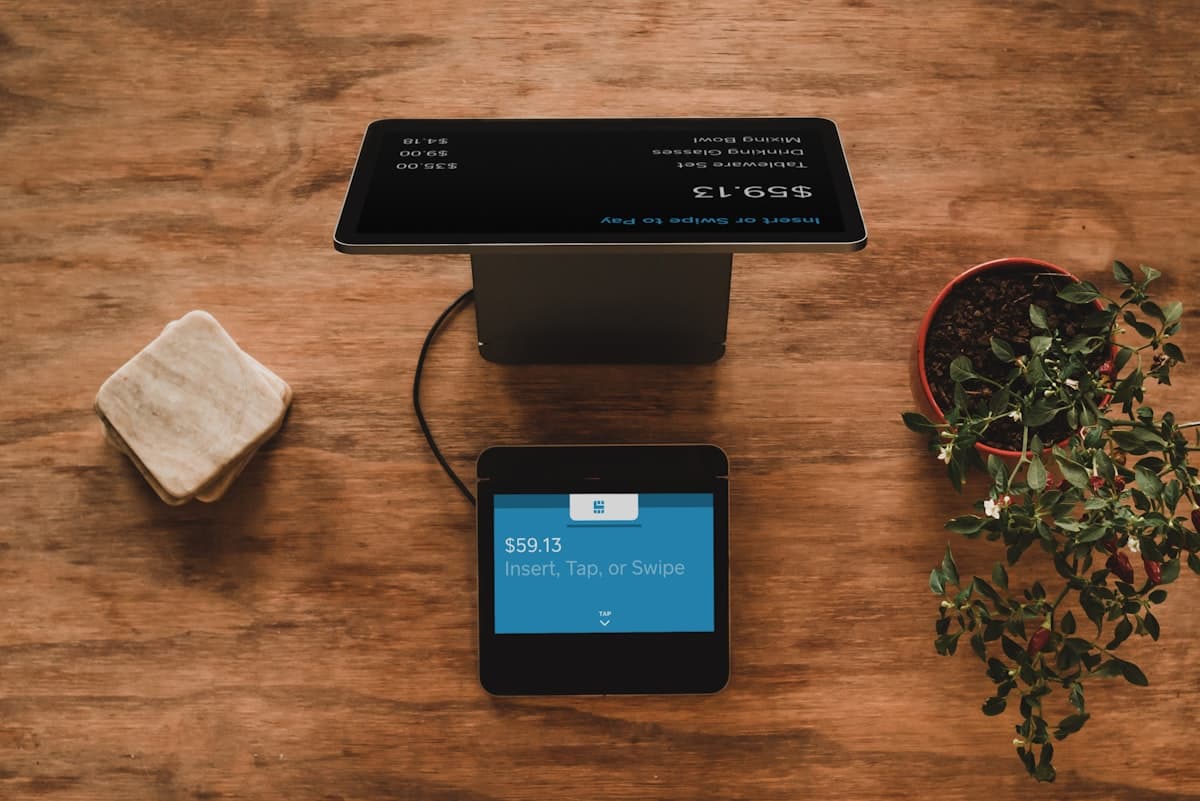
Finance paperwork and a calculator on a desk
Approval in chat, booking without re-keyingfig. 17

Scenario 13 · Finance ops

Expense submit → approve → book

The problem

Expenses live in forms or chat screenshots until a manager approves them in email, then someone re-keys the same numbers into QuickBooks.

Our approach

Form submission triggers a Slack approve/reject flow; approvals create the expense or bill and notify the submitter with the outcome.

What gets automated

  • Manager approval in Slack or Teams
  • Bookkeeping record creation on approve
  • Submitter notification with audit trail
A person reviewing documents at a desk
The Friday report that builds itselffig. 18

Scenario 14 · Ops & leadership

Scheduled ops and finance digests

The problem

Weekly reporting means pulling the same four systems into a deck or sheet every Friday afternoon.

Our approach

Cron-driven pulls assemble KPIs into a sheet or doc, then email or Slack the digest to the distribution list on a fixed cadence.

What gets automated

  • Multi-source KPI aggregation
  • Formatted weekly / monthly digest
  • Delivery to email or Slack channels
Contracts and paperwork spread on a desk
Key dates out of PDFs and into the registerfig. 19

Scenario 15 · Legal & commercial ops

Contract and PDF extraction pipeline

The problem

Signed PDFs and vendor packs arrive by email; key dates, parties, and amounts get typed into trackers days later, if at all.

Our approach

Attachment watch → AI structured extraction → write to the contract register, file the original to Drive, and alert owners when renewals approach.

What gets automated

  • PDF / contract field extraction
  • Register update and Drive filing
  • Renewal and obligation reminders
Someone working on a laptop in a focused setting
One sheet change, every downstream system updatedfig. 20

Scenario 16 · Ops & IT

Sheet as source of truth, systems in sync

The problem

A Google Sheet is still the working system of record, but inventory, HRIS, or project tools drift because nobody re-enters every row.

Our approach

Watch new or changed rows and push mapped fields into the downstream systems, with filters so drafts never sync by accident.

What gets automated

  • Row watch with field mapping
  • Multi-destination create/update
  • Error logging when a sync fails

Customer Support & CX

05 scenarios in this lane

A doctor in a white coat replying to messages on a phone
Routine messages handled before they reach the front deskfig. 21

Scenario 17 · Healthcare

Patient communication automation

The problem

Front-desk staff overwhelmed by appointment scheduling, reminders, and routine patient queries across phone, text, and email.

Our approach

Voice and messaging AI that handles routine calls, reminders, and scheduling across all channels, escalating anything clinical or complex to staff.

What gets automated

  • Appointment booking and reminders
  • Routine query handling
  • No-show follow-up sequences
A phone on a desk next to a notebook
Intent first, then the right queuefig. 22

Scenario 18 · SaaS & helpdesks

AI support triage and routing

The problem

Every ticket looks the same in the queue: billing, bugs, and “how do I…” questions compete for the same first-response SLA.

Our approach

Classify intent and sentiment on intake, suggest a draft reply from your knowledge base, and route bugs vs account issues to the right queue or human tier.

What gets automated

  • Intent and priority classification
  • Draft replies grounded in your docs
  • Queue routing and escalation rules
A workshop group collaborating around laptops
Messaging that can look up an order, not just replyfig. 23

Scenario 19 · Retail & services

WhatsApp and messaging business agent

The problem

Customers send voice notes, photos of invoices, and “where is my order?” texts into WhatsApp, and agents dig through chats manually.

Our approach

Webhook intake with intent recognition, live lookups against orders or CRM, and rich replies, with human takeover when confidence drops.

What gets automated

  • Intent recognition across text and voice
  • Order / CRM live lookups
  • Ticket creation and human handoff
Hands typing on a laptop keyboard
Cited answers from approved docs, not guessworkfig. 24

Scenario 20 · Support organisations

Internal knowledge assistant for agents

The problem

New agents hunt through Confluence, Drive, and old tickets while the customer waits, and answers still drift from the approved policy.

Our approach

RAG over your approved docs so agents (or a draft-reply step) get cited answers in-product, with gaps logged when the corpus has no match.

What gets automated

  • Document ingest and embedding refresh
  • Cited answers for agent assist
  • Gap logging when docs are missing
A diverse team collaborating around a table
One bug, two systems, one linked threadfig. 25

Scenario 21 · Product & engineering

Support bug to engineering handoff

The problem

Confirmed bugs bounce between Zendesk and Jira in copy-paste form. Priority, repro steps, and links get lost in the transfer.

Our approach

Tagged or classified bug tickets create a Jira issue with mapped fields, then post a Slack thread linking both sides for the owning squad.

What gets automated

  • Conditional ticket → issue creation
  • Field and priority mapping
  • Linked Slack alert for the squad

E-commerce & Retail

04 scenarios in this lane

A retail counter with products on display
Recovery that checks the order was not already paidfig. 26

Scenario 22 · Online retail

Abandoned cart recovery

The problem

Carts abandon constantly; recovery depends on someone remembering to nudge, or a blunt blast that ignores whether the order already completed.

Our approach

Cart-abandon webhook, delay, order-status check, then a personalised recovery email or SMS with line items, and a second nudge only if still open.

What gets automated

  • Abandon detection with completion check
  • Personalised recovery messaging
  • Timed second-touch branching
A person packing or handling a delivery package
Paid order to CRM and fulfilment in the same beatfig. 27

Scenario 23 · DTC & Shopify ops

Order to CRM and thank-you flow

The problem

New orders live in the storefront while CRM and CS tools stay blind until someone exports, so post-purchase care starts late.

Our approach

Watch paid orders, upsert the contact and deal, send a branded thank-you with delivery context, and notify fulfilment channels when needed.

What gets automated

  • CRM contact/deal upsert from the order
  • Personalised post-purchase email
  • Ops channel alerts for high-value orders
Warehouse shelves stocked with inventory
Reorder drafts before the shelf goes emptyfig. 28

Scenario 24 · Inventory-heavy retail

Low stock alerts and reorder drafts

The problem

Stockouts are discovered when a customer can’t buy, not when the SKU crossed the reorder line yesterday.

Our approach

Scheduled inventory polls (or stock webhooks) alert Slack below threshold and draft a supplier reorder email with SKU and suggested quantity.

What gets automated

  • Threshold inventory monitoring
  • Ops Slack / email alerts
  • Supplier reorder draft generation
A cafe retail counter with customers nearby
Review clicks become loyalty segmentsfig. 29

Scenario 25 · Post-purchase CX

Review request and loyalty segmenting

The problem

Review asks go out as a single blast, or not at all, and people who engage never get tagged for loyalty or a follow-up offer.

Our approach

Delay after fulfilment, send a review request, then branch clickers into a loyalty segment with a thank-you or discount path.

What gets automated

  • Timed post-fulfilment review ask
  • Click/non-click branching
  • Loyalty tag and offer enrolment

HR & Internal

03 scenarios in this lane

Colleagues smiling during an office discussion
Day-one access without the checklist chasefig. 30

Scenario 26 · People ops

Employee onboarding provisioning

The problem

Day-one access means IT, HR, and managers chasing checklists across Slack, Notion, and email. Accounts lag, and welcome docs go missing.

Our approach

Offer-accepted or start-date form kicks off account invites, channel adds, Notion/handbook pages, and a manager checklist in one run.

What gets automated

  • Account and channel provisioning
  • Handbook and checklist creation
  • Manager and buddy notifications
A resume and notebook on a desk
Shortlists scored against the role, not the inboxfig. 31

Scenario 27 · Recruiting

Applicant screening intake

The problem

CV and form floods land in a shared inbox; screeners skim inconsistently and strong candidates wait while weak ones clog the calendar.

Our approach

Intake form or email attachment → structured parse → score against the role rubric → route shortlists to the hiring manager and archive the rest with a polite auto-reply.

What gets automated

  • CV / form structured extraction
  • Rubric scoring and shortlist routing
  • Candidate status updates and replies
A laptop showing a secure login screen
Join and leave paths that actually revoke accessfig. 32

Scenario 28 · IT & security ops

Access request and offboarding cleanup

The problem

Access requests and leavers are handled in chat threads, so tools stay provisioned after someone leaves, or new hires wait on tribal knowledge.

Our approach

Ticket or form driven approve → provision path for joins, and a mirrored revoke checklist across apps when employment status flips.

What gets automated

  • Access request approval routing
  • Tool provisioning on approve
  • Leaver revoke checklist across systems

Structure

How every engagement works

  1. Audit first

    We map your current workflow, quantify the bottleneck, and agree on what success looks like before any build starts.

  2. Build & integrate

    We combine code, no-code connectors, and AI tooling to fit your existing systems, not to replace them.

  3. Measure & iterate

    Every project ships with tracking against the KPIs agreed in the audit, so impact is visible, not assumed.

Which workflow is costing you the most? Book an audit and we'll map your bottlenecks against scenarios like these.

Book a workflow audit